

It's time to get you out of the spreadsheets and out of begging clients to approve your posts
For the social media girlies running multiple clients with no team, no VA, making it work with tools that were built for everyone expect them
I’m not a mind-reader (kinda lol), but I’m pretty sure you’re here because…
You want your clients to just approve their posts already, not spend half your week sending “Hey, did you get a chance to look at this? 😬” follow-ups like it’s a second job nobody’s paying you for.
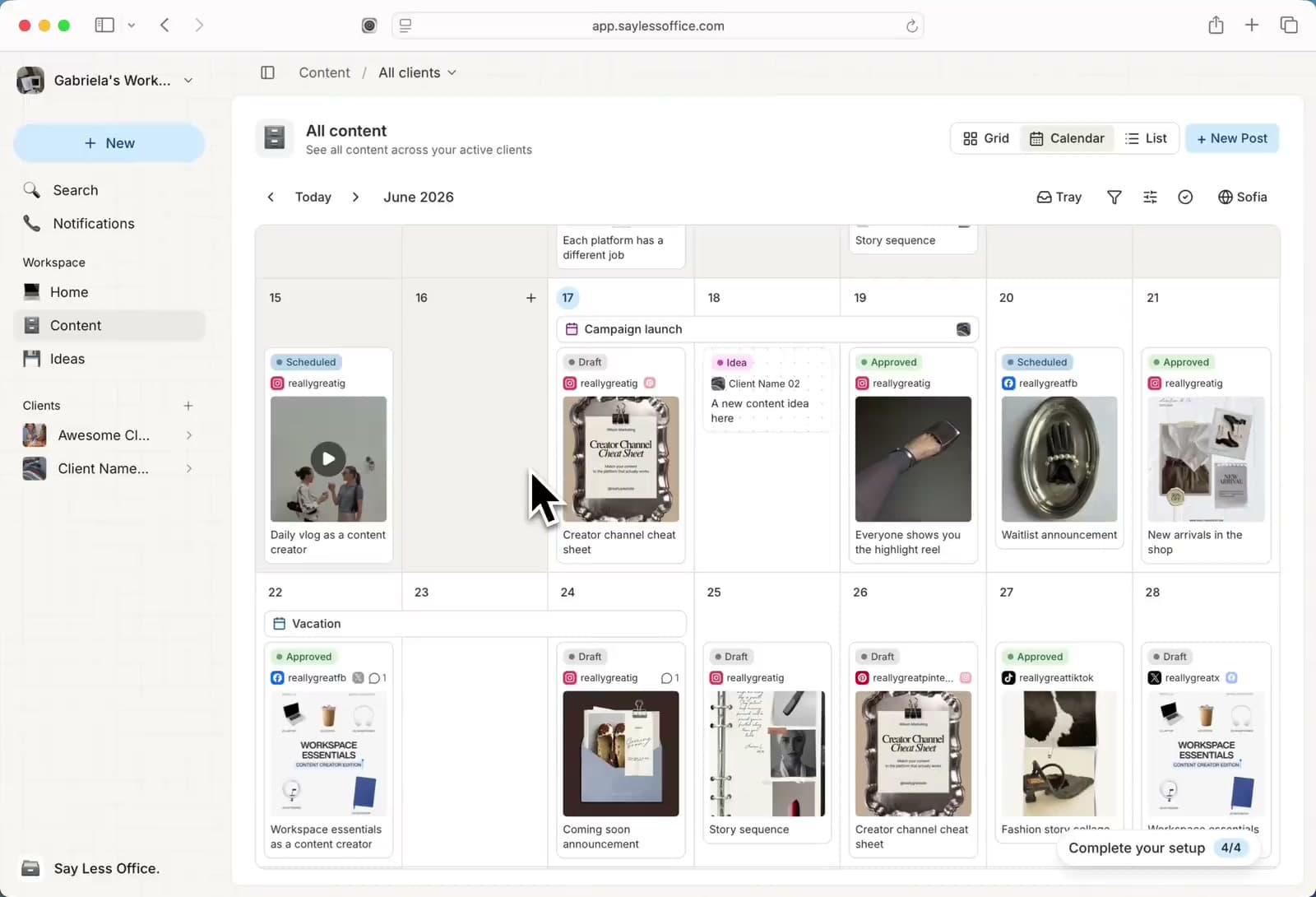
You want to actually stay on top of every client’s content, from draft to approved, not bounce between a separate doc for each one while your phone lights up with emails and “Just checking in!” DMs about three different posts at once.
You want to feel like you could take on another client and actually say yes, not lose them in a spreadsheet and your whole day to logistics, just because getting one post from idea to approved takes four different tools.
But here’s the thing that nobody says out loud - somewhere along the way, you became the system.
Every client’s content, every deadline, every approval, every “Did they reply yet?” lives in your head and runs on your follow-up energy. You’re the calendar, the project manager, the reminder system, and the glue holding all of it together.
And that works, right up until it doesn’t.Because the one thing you can’t do is clone yourself. So every time you think about taking on another client, some part of you already knows there’s no more room.
And none of this is a you problem - because we both know you're freakin' good at what you do.
Welcome to the Say Less Office 💅🏼
Consider it your back office - quietly handling the "just checking in" DMs and the endless jumping between tabs, tools, and threads just to get a post out, while you're up front doing the creative work.
Here's what your back office is handling..

A composer that actually works the way you do
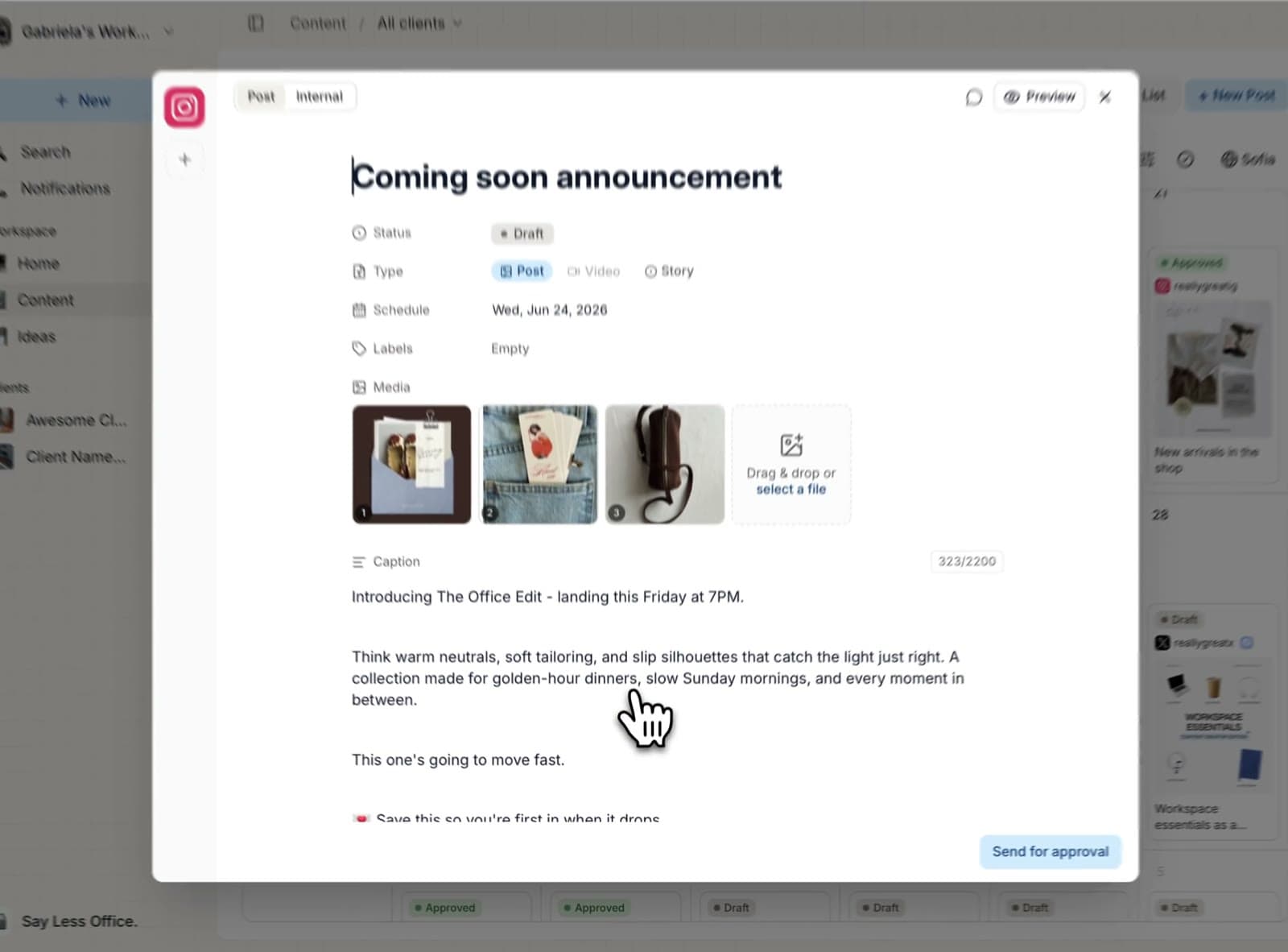
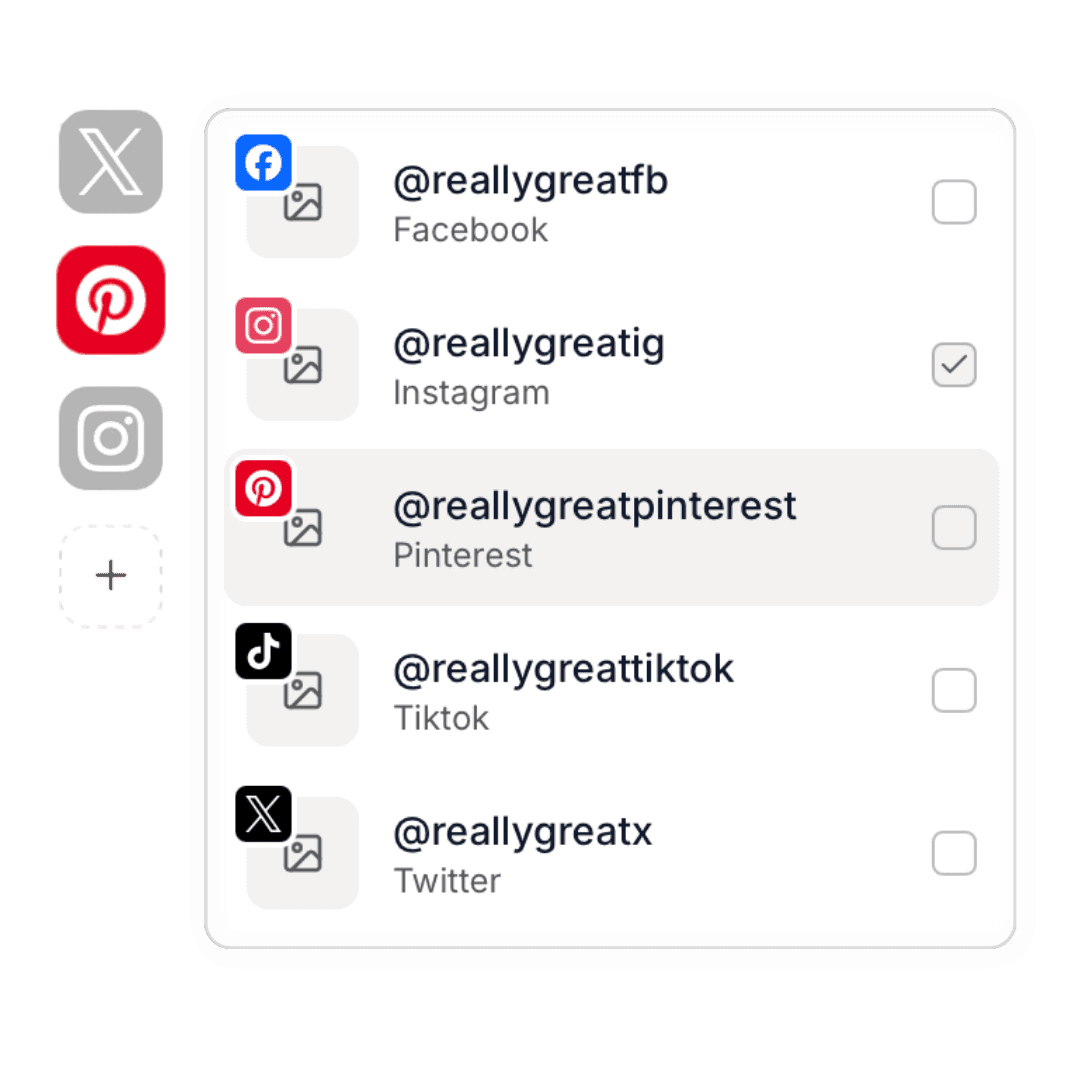
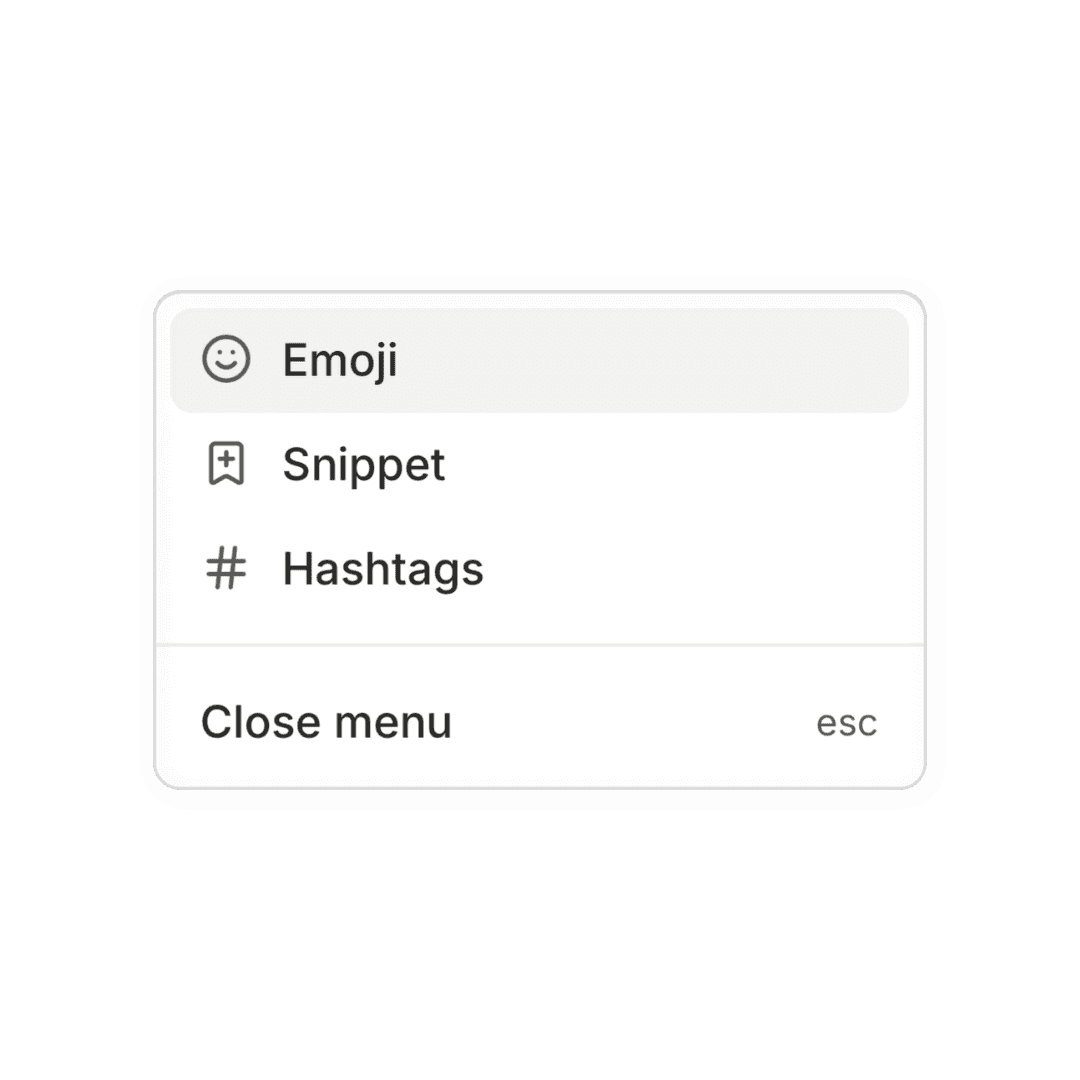
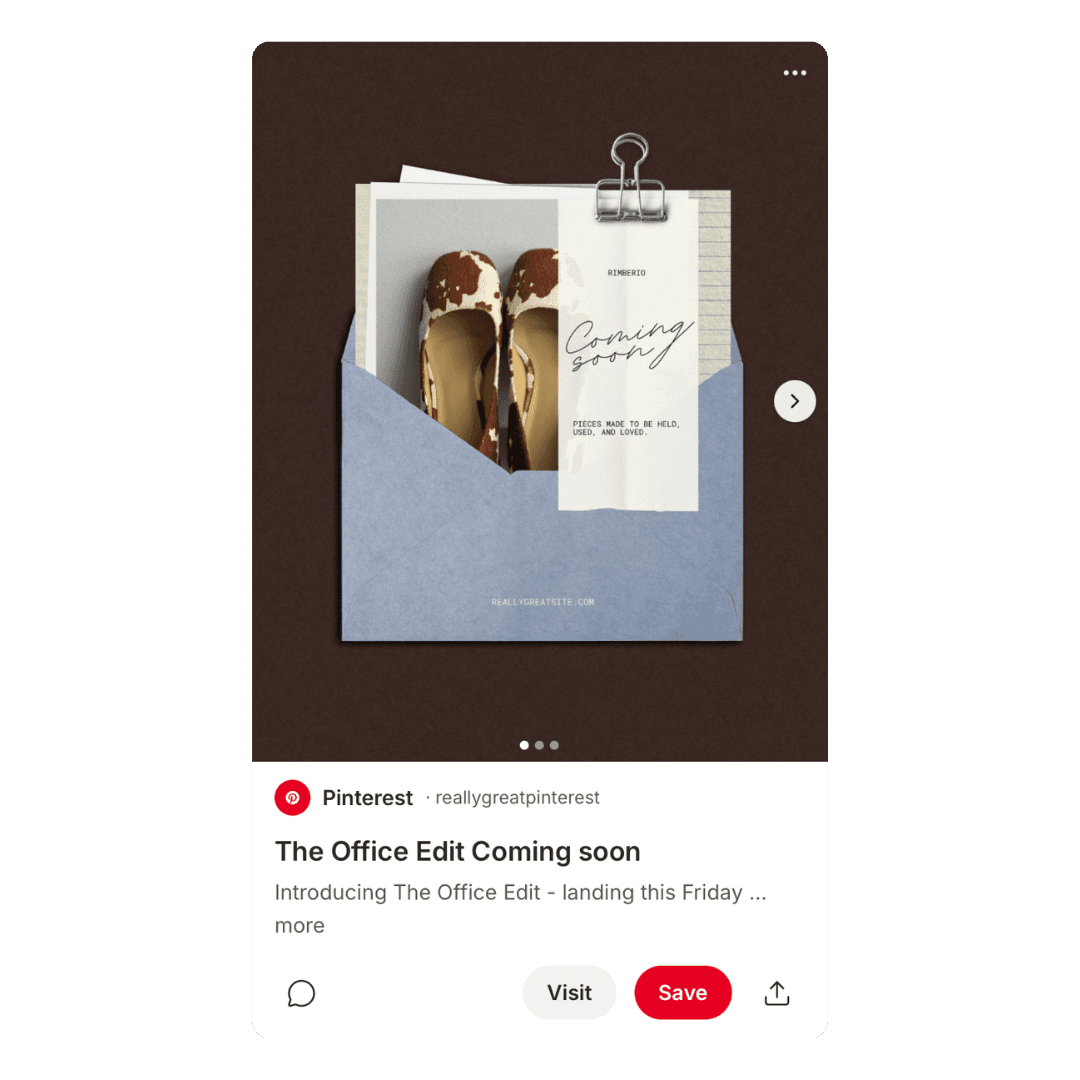
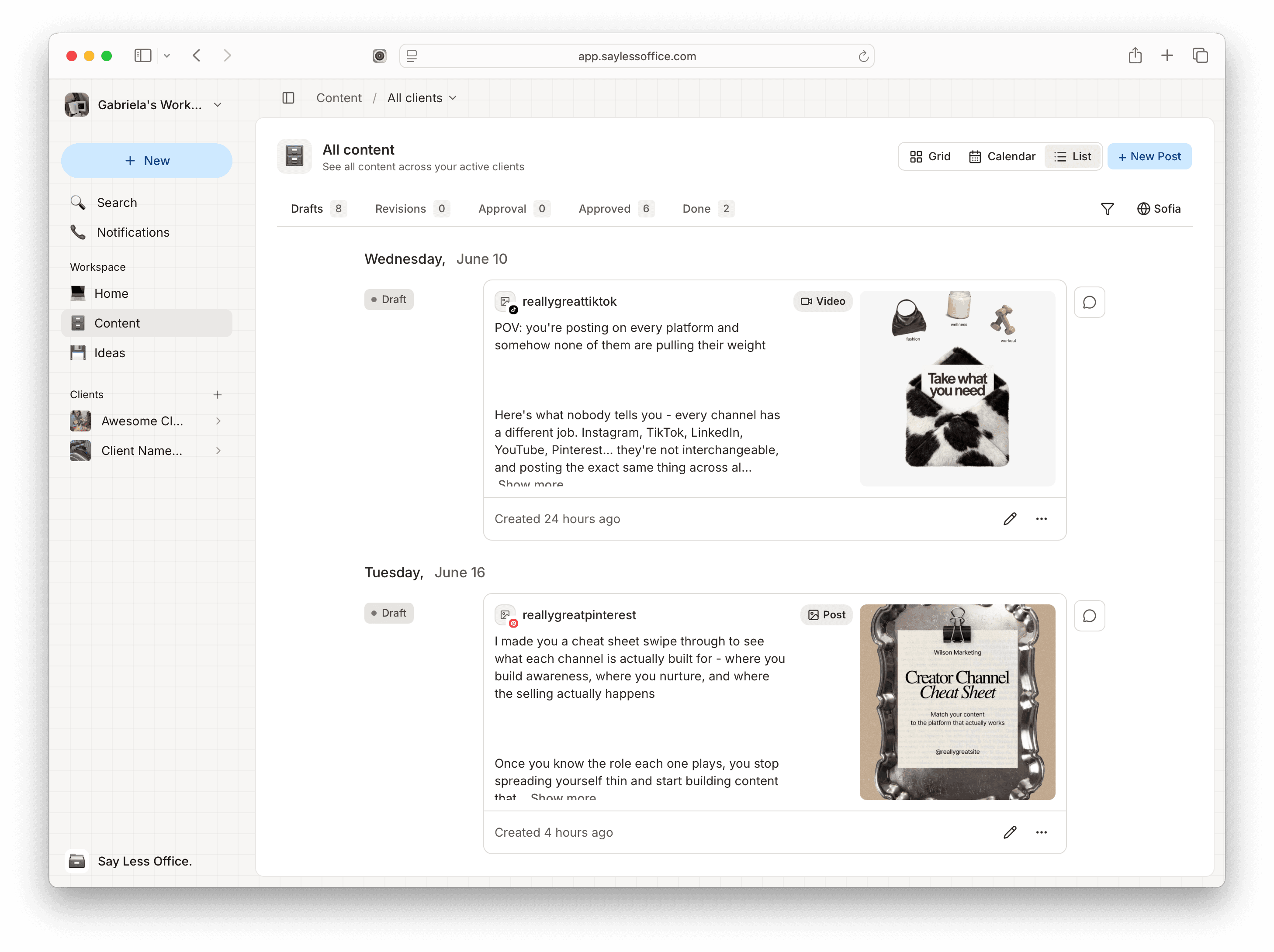
You've spent way too long forcing project management apps to act like content tools, didn't you? Here you write with the real post in front of you, drop in your go-to hashtags and that intro line you've typed a thousand times with a quick '/', and spin up a synced version for each platform. Your chaotic first drafts stay in a private tab the client never sees.
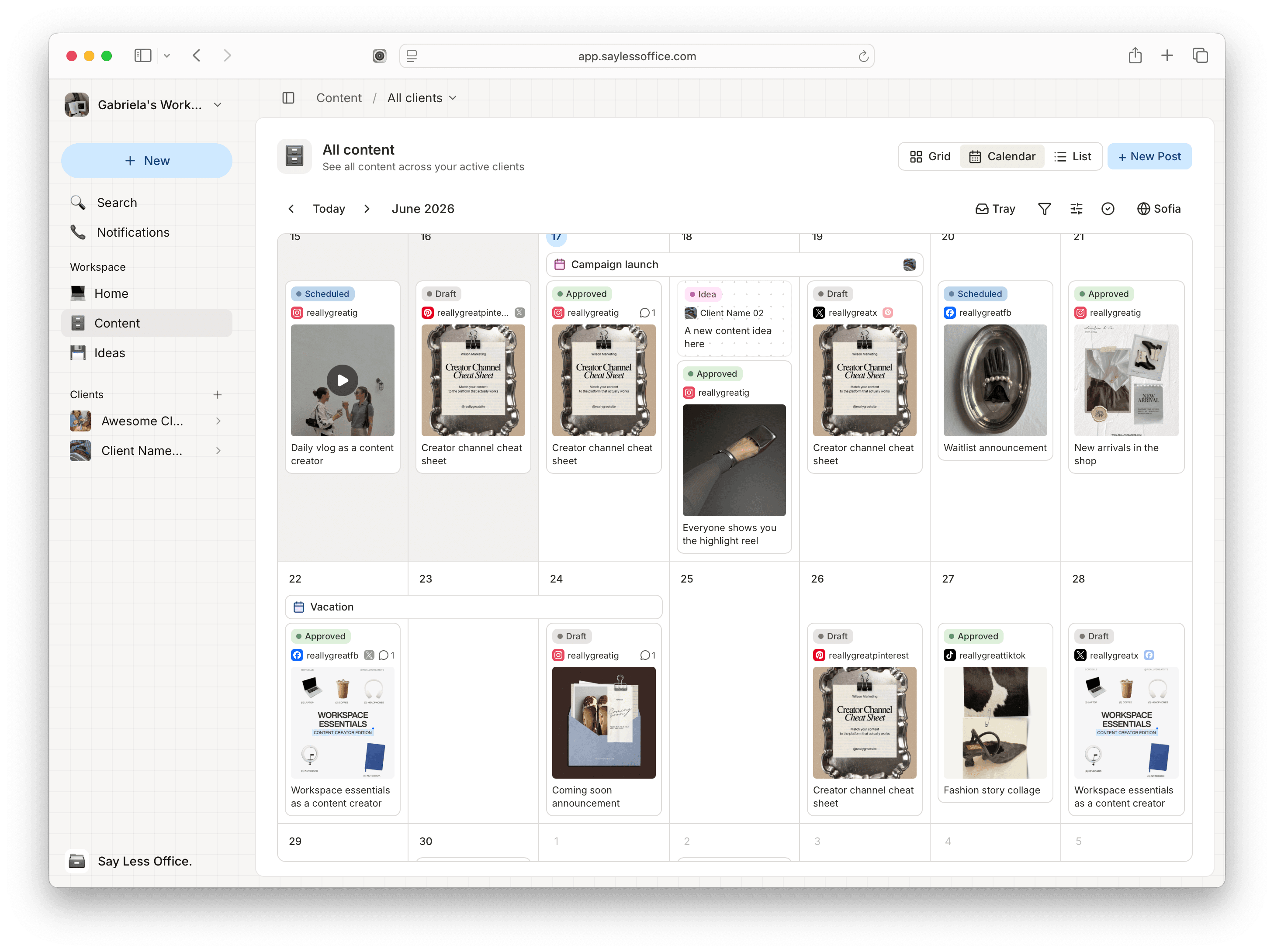
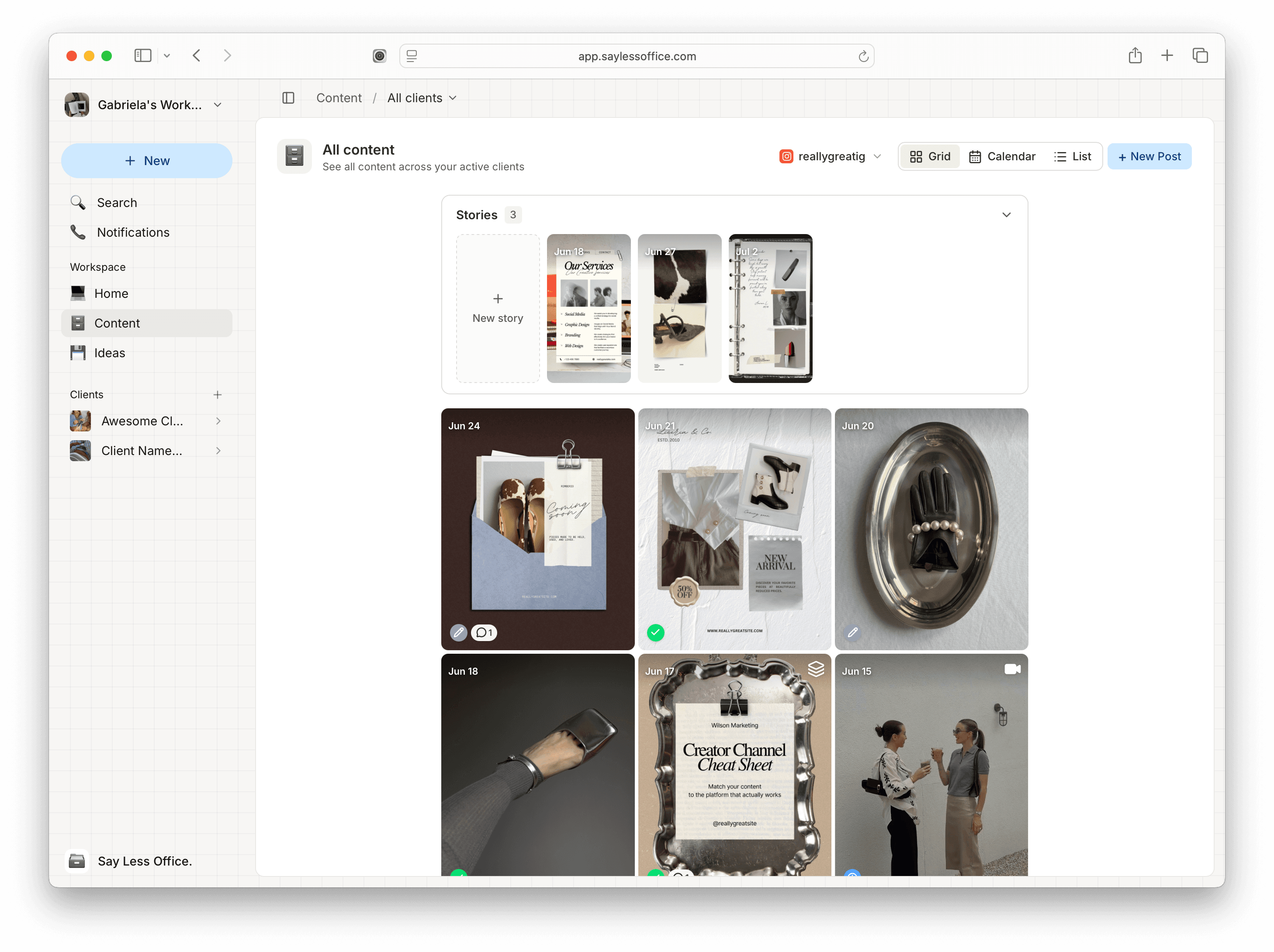
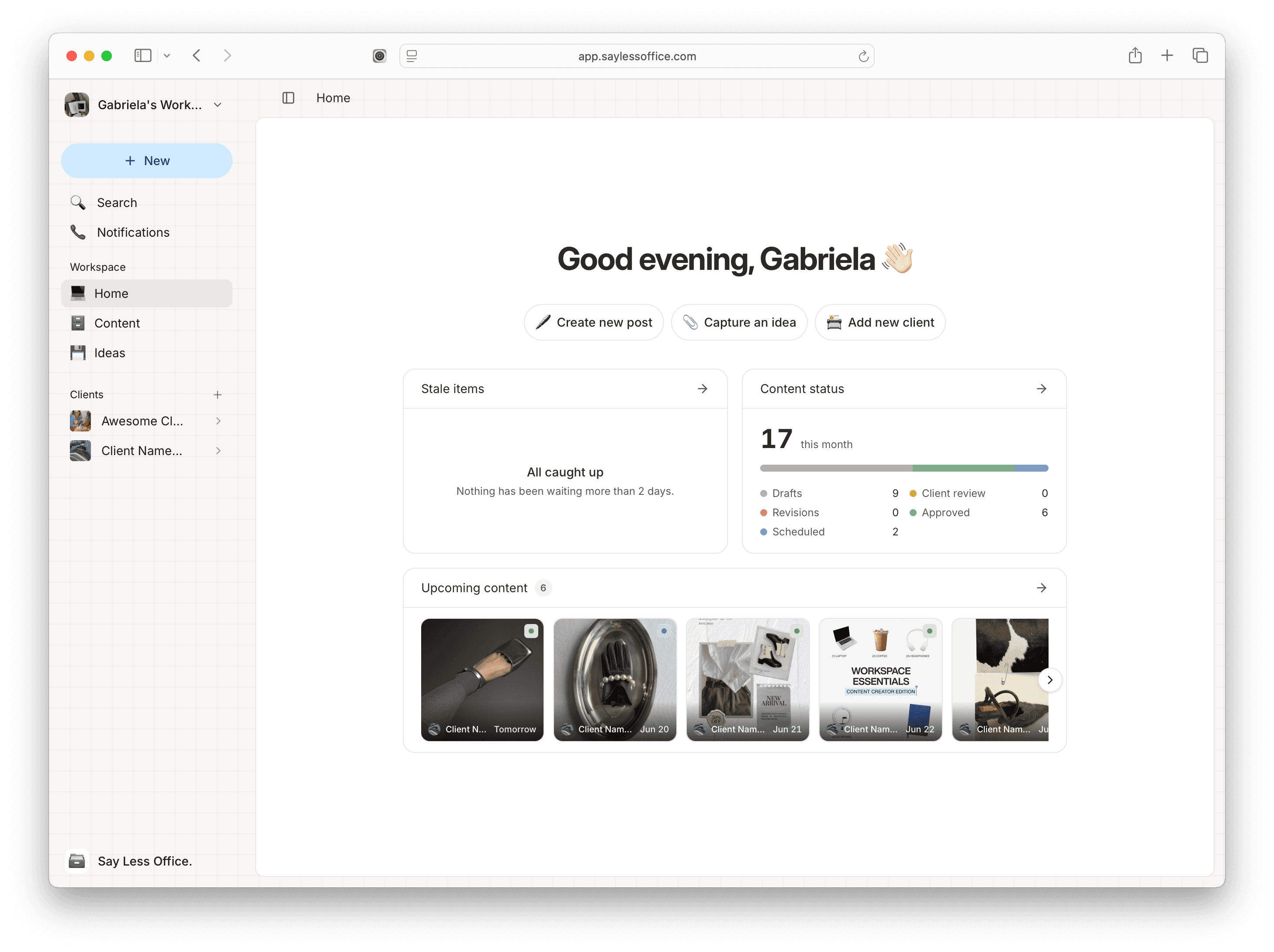
See your content the way you think.
The little things that just make sense in the office.
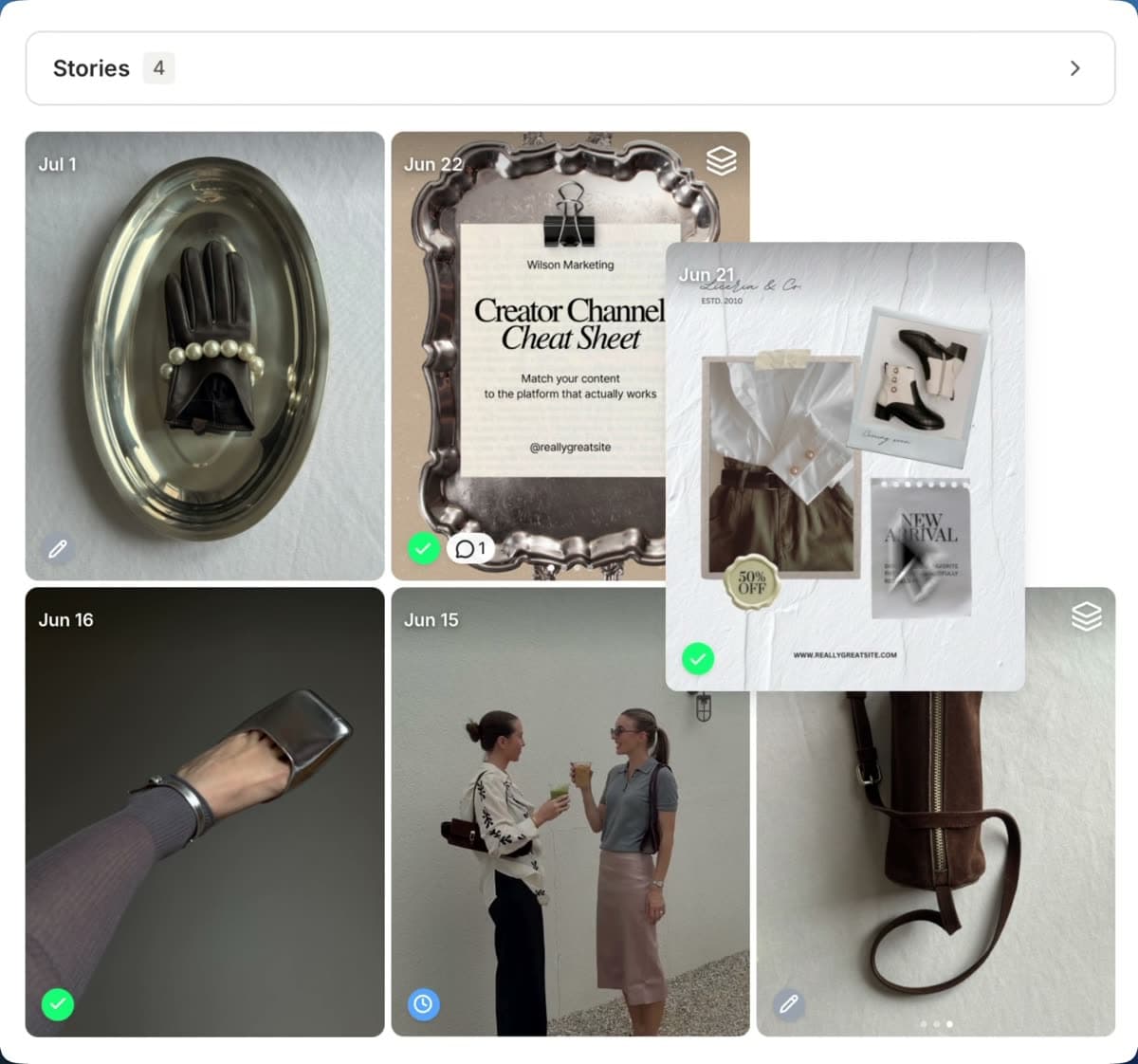
A grid you can rearrange
See your feed exactly as it'll look on the profile, and drag posts around until the layout feels right.
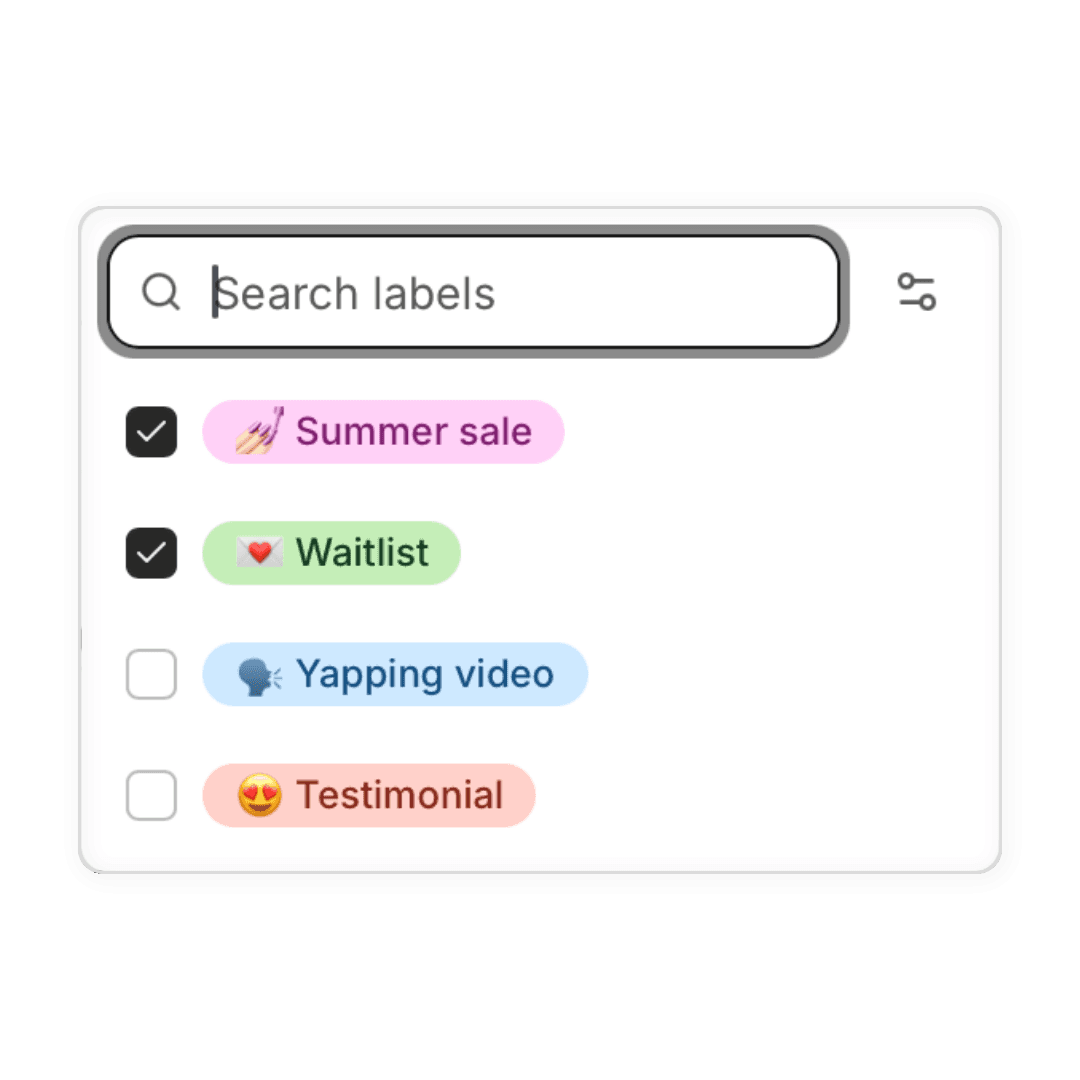
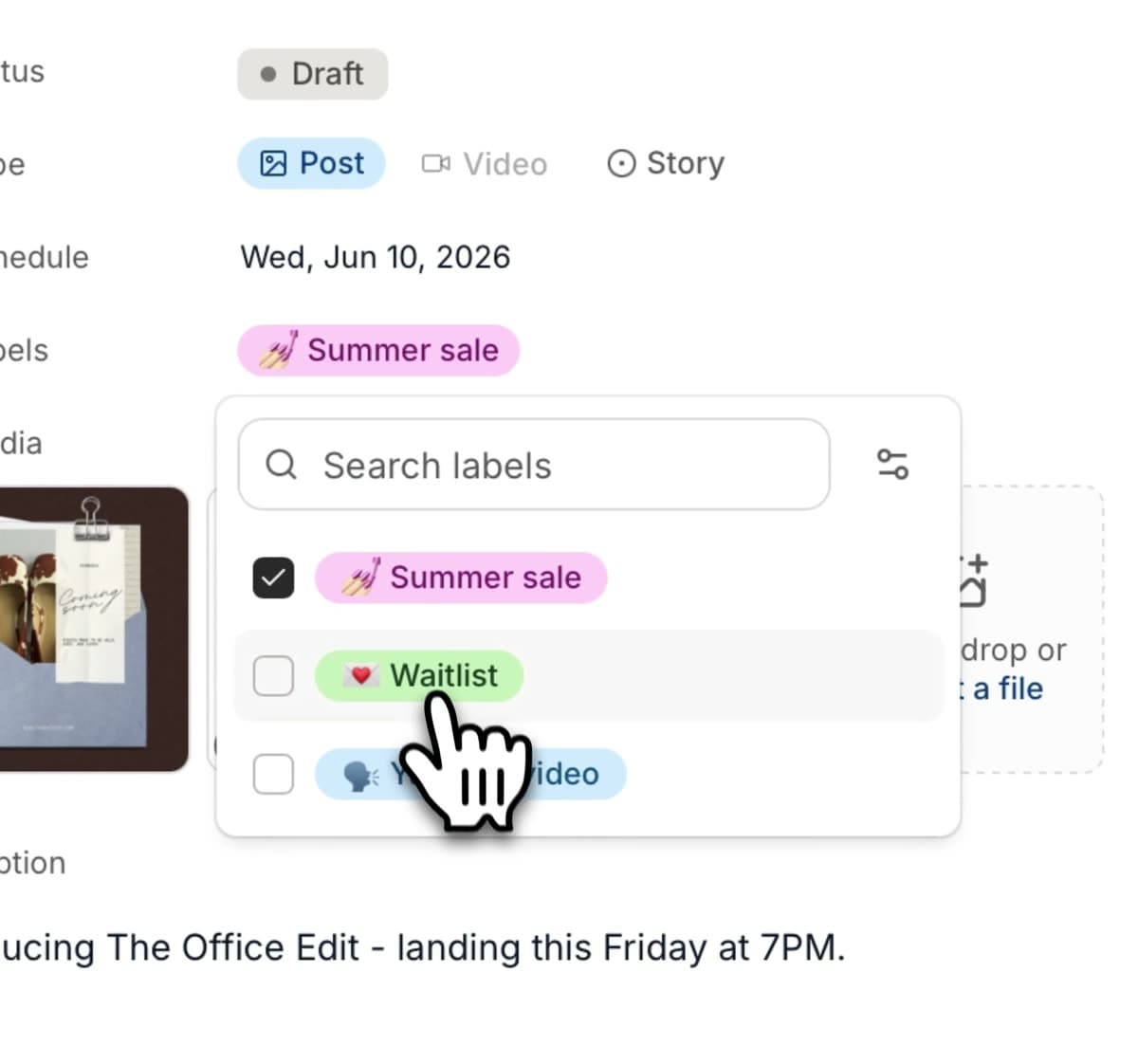
Labels to keep it tidy
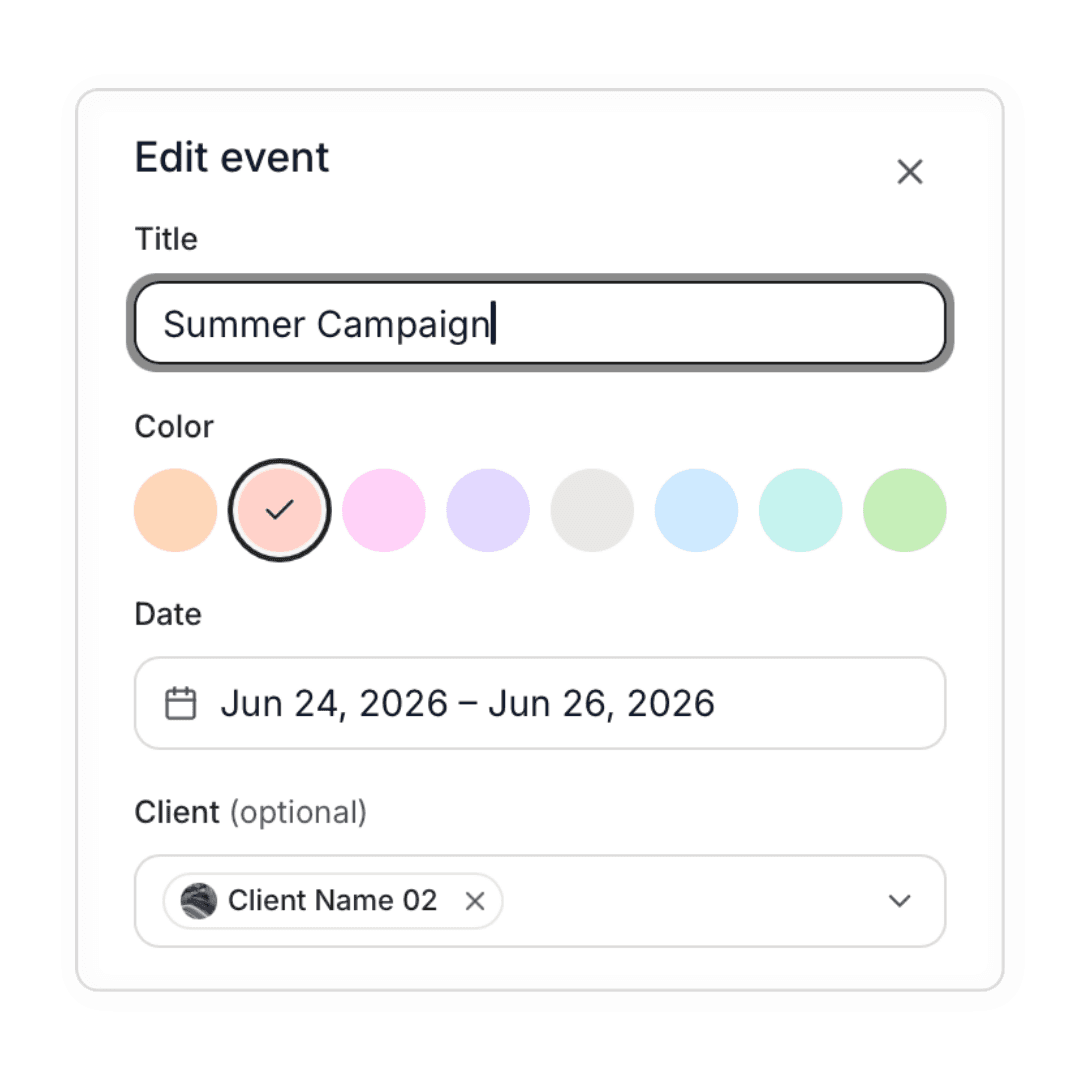
Tag posts by campaign, channel, or theme, then filter the calendar down to exactly the ones you need.
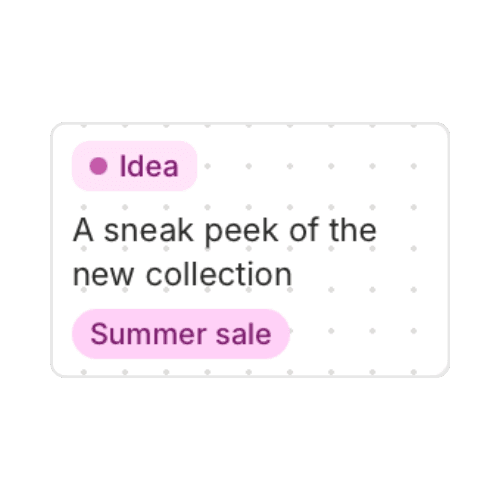
Ideas that become drafts
Capture ideas in a real rich-text editor, then turn any one into a draft the moment you're ready to run with it.
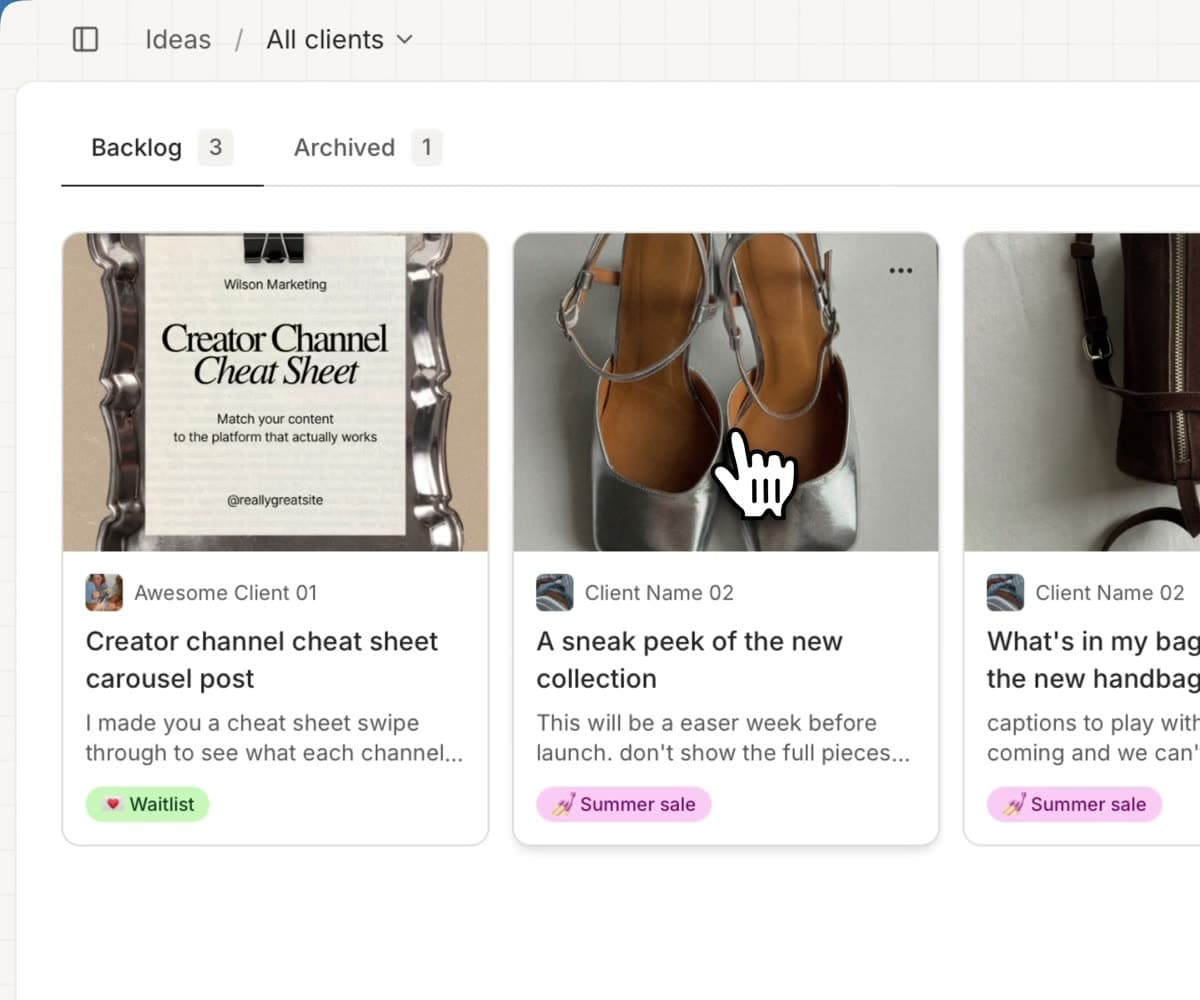
A drag-and-drop tray
Stash unscheduled posts and loose ideas in a side tray, then drag them onto the calendar whenever they find a date.
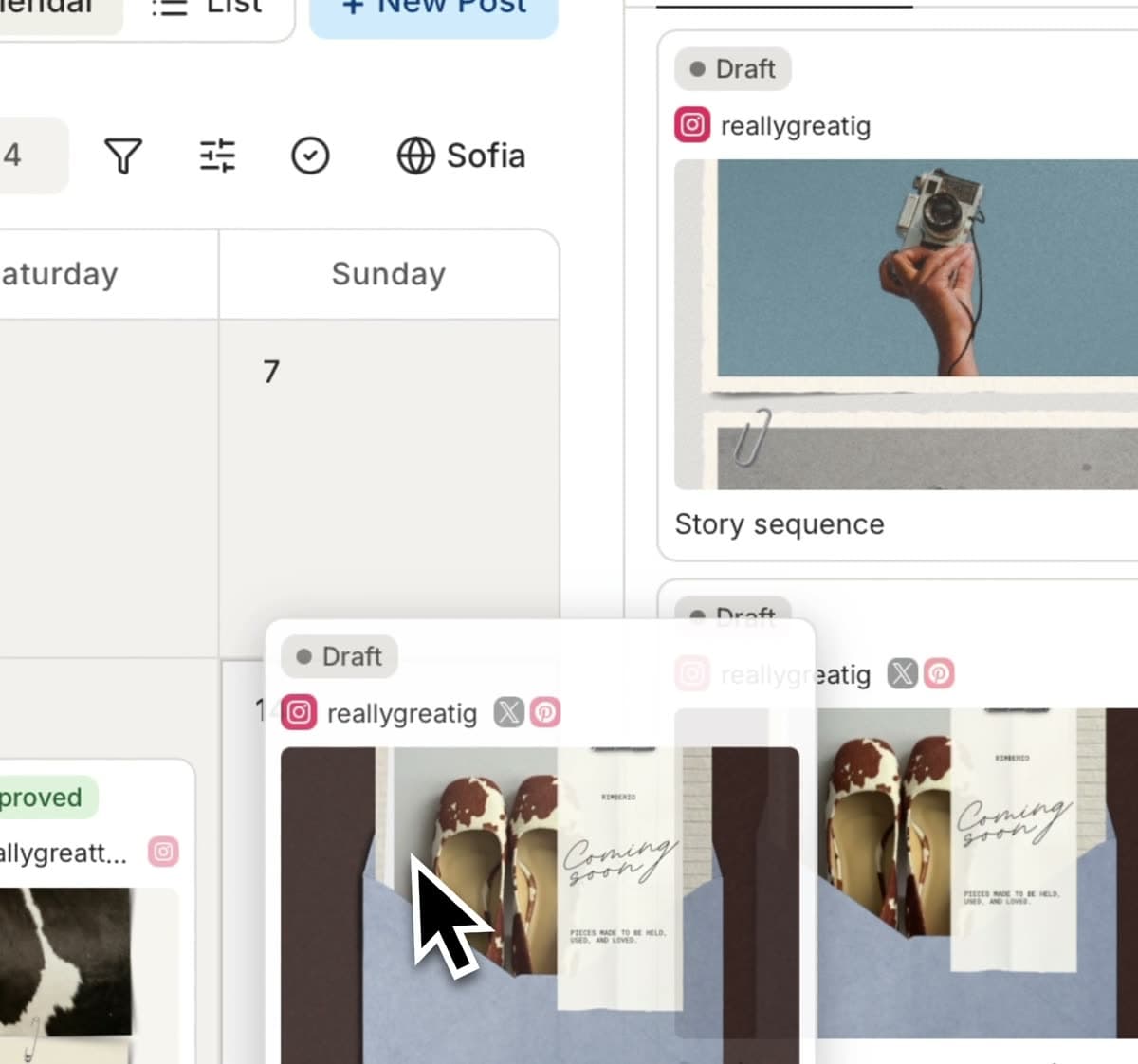
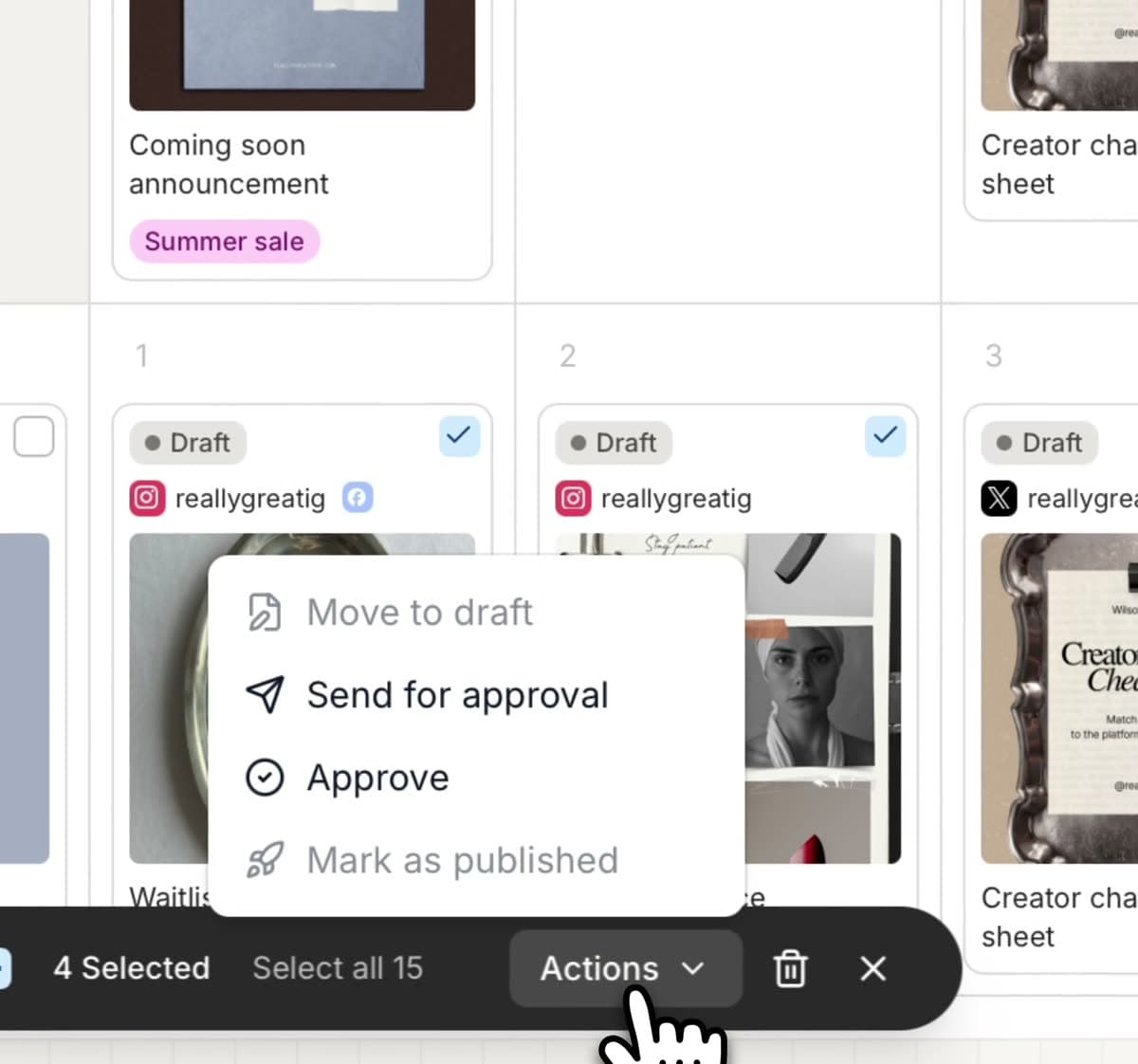
Bulk actions
Select a batch of posts and reschedule, relabel, or move them along all at once - no clicking into each one.
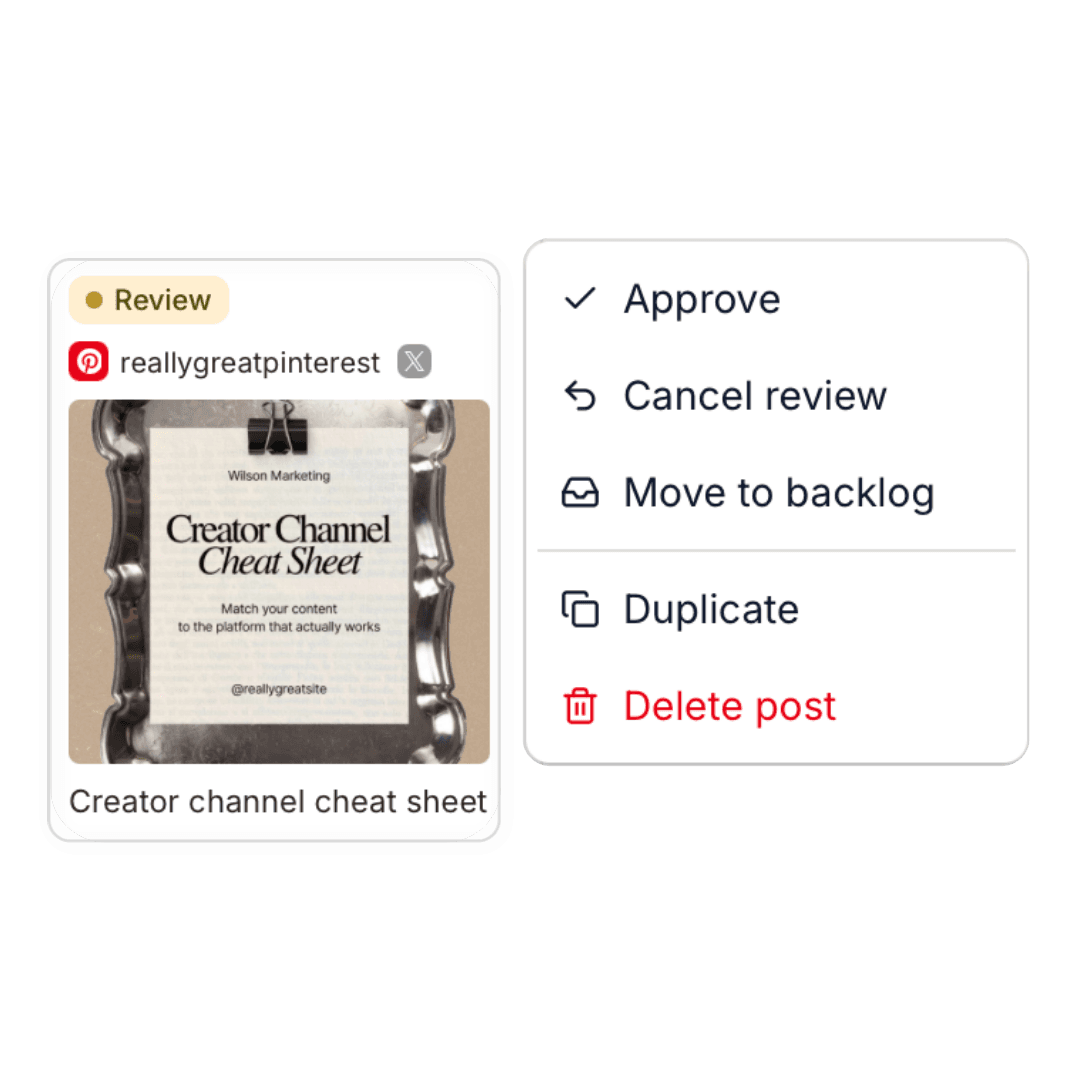
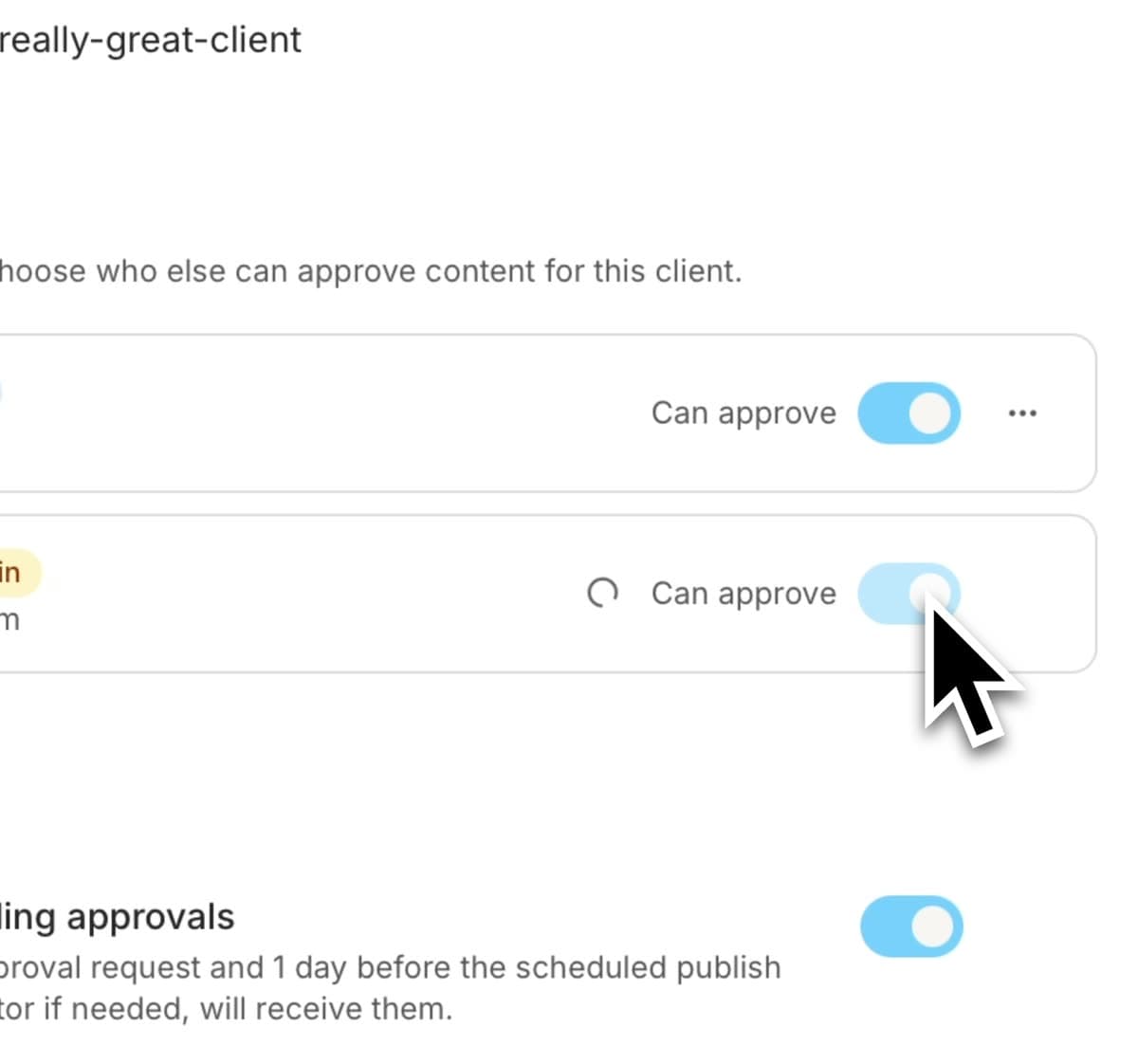
Approve on their behalf
When a client okays a post over DM, mark it approved yourself - so the status stays honest and nothing sits stuck.
It's honestly just three steps.
Add your clients
Each client gets their own space, and their channels hook up in a couple of minutes. That's it - you're set up before your coffee's even cold.
Draft & send for review
You put the post together - caption, visuals, the whole thing. One click sends it off for review, and it's out of your hands.
Your client approves
An email lands, they tap through to their own portal, and it's approved in seconds - the second they do, you'll know.
One simple plan. Everything included.
Just $5 per client and every feature included. 🤌🏻
Everything else you might wonder.
You're too good at this to be burried under spreadsheets and "giiirl, just checking in" DMs.
Set up your office, bring all your clients in and run this like the business it actually is. 💅🏼